The methods here are still valid for a scenario of delivering under a single tenant, but the Contino requirement required a custom setup, covering the implementation with greater detail in a separate document HERE
Overview With the recent transition fro the EA portal into the Azuer Portal for managing and delivering subscriptions, Microsoft has thrown a spanner in the works if you’re operational staff were using the EA Portal to manage and track subscriptions for your org - with the less than fully transitioned process now documented as some azcli, some REST commands and some portal - so here we’ve bundled together each step in the process so you can finally automate this mundane task - and deliver Azure Subscription vending at the EA level |
Azure Portal | Enterprise Accounts |
|---|---|
|
|
Preparation | Delivery |
|---|---|
|
|
These steps ensure that we, and the automation account we will use are assigned correctly and have the access to create subscriptions | In steps, we deliver a subscription and then add layers of function as desired |
EA Access and Your Permissions
|
 |
In order to create subscriptions under your Microsoft EA Agreement, your account - or more specifically the account that will be used to provision the resources will require certain access and role assignments
- EA Account
- Enrolment Account Owner Role
- Enrolment Account Subscription Creator Role
EA - Billing & Enrolment Accounts :costman:
|
|
After verifying that we have an account that is valid for EA Billing - we need to find out what entities we have access to - so that we can assign the access to our service principal when ready
EA Portal Deprecation
The traditional portal for management of EA accounts is via https://ea.azure.com/ - and you may still have access to this - but Microsoft are migrating away from this portal in favour of portal.azure.com and (I think in the interim) some direct REST calls for the permissions
Create a Service Principal :sp:
|
|
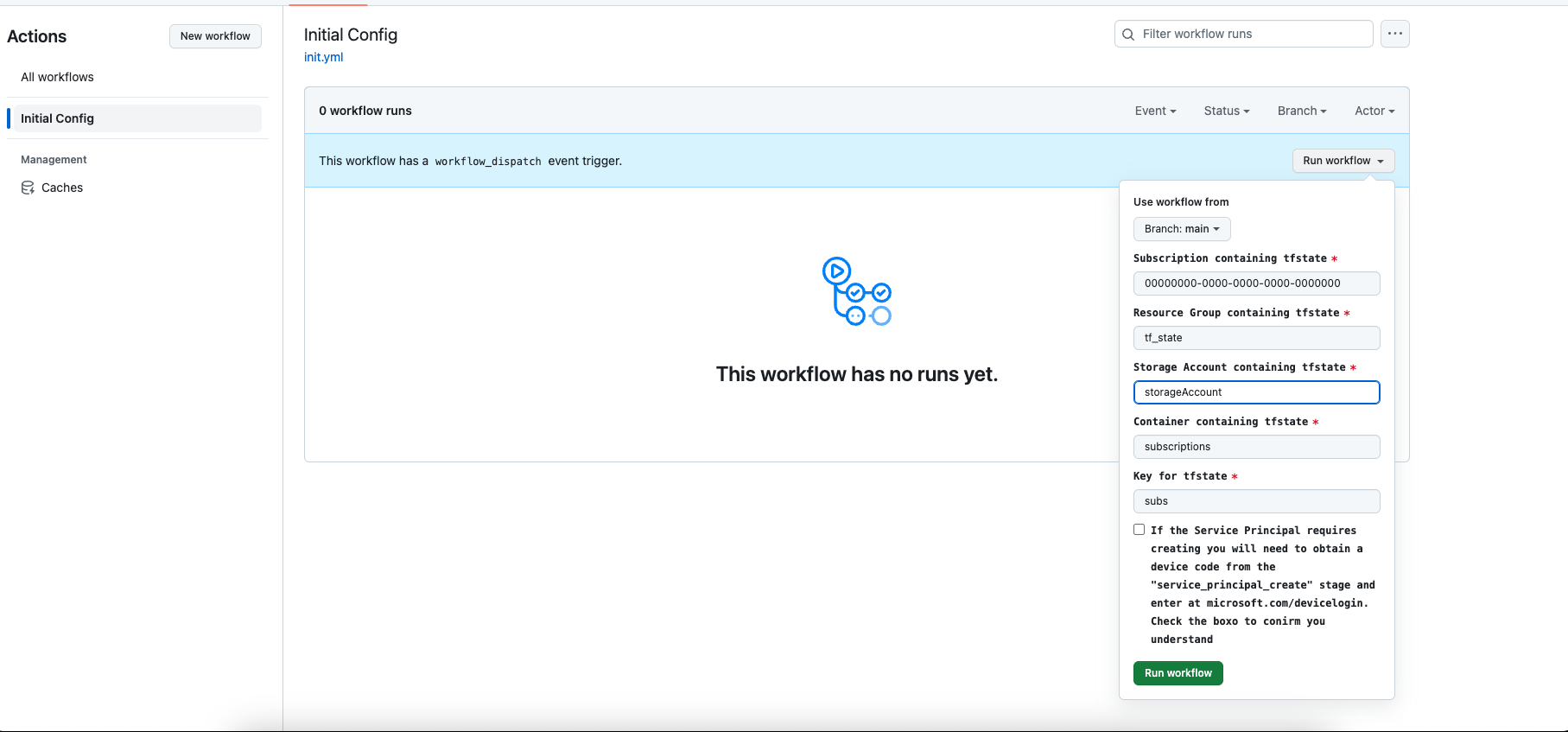
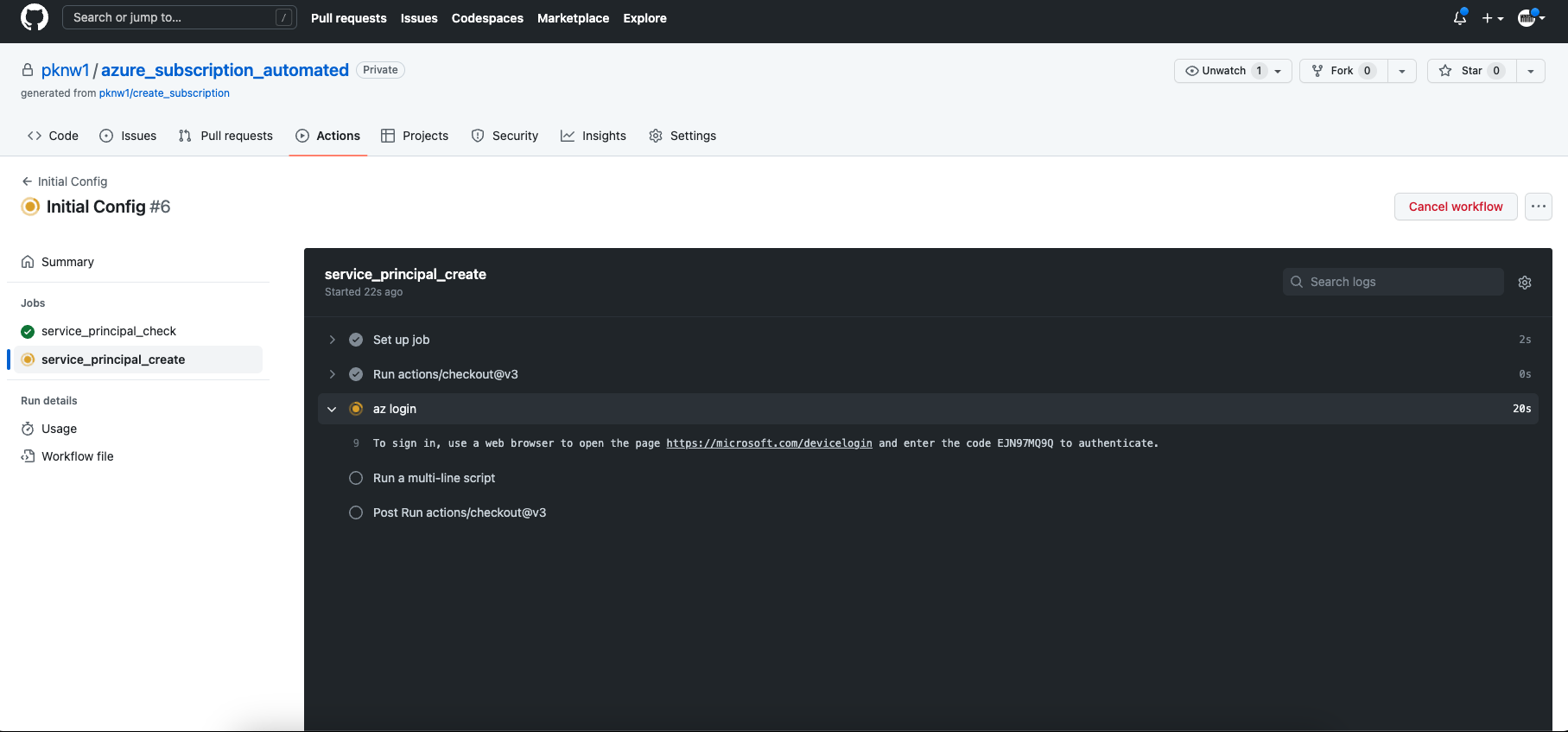
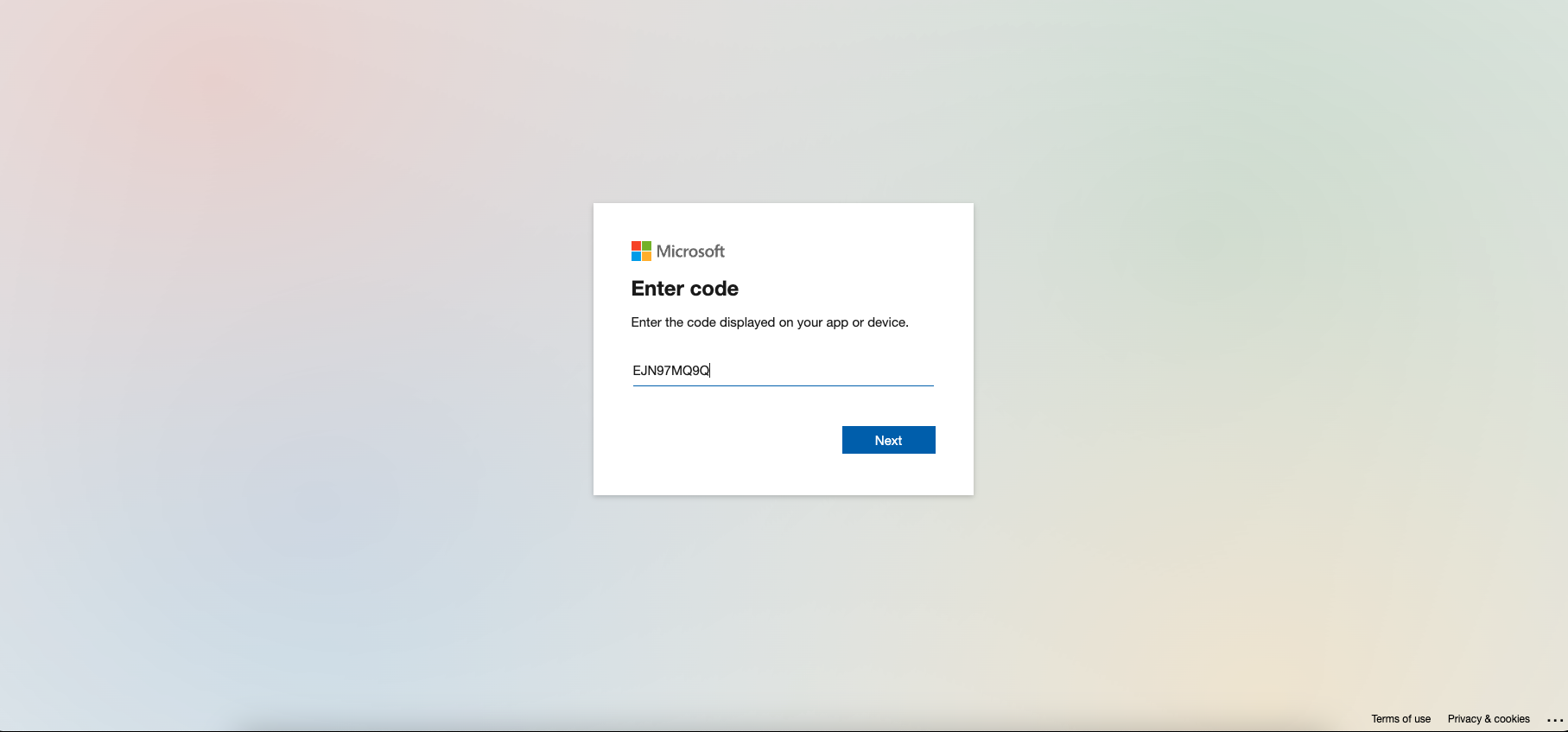
Now we know we have the correct access to proceed, we can create just the service principal account - quite simply as an unassigned definition at first - we can set it up properly at a later step
EA Portal Role Assignment :role:
|
|
The final preparation stage - assigning the correct roles from our assigned Billing/Enrolment account to the Service Principal so that they can create subscriptions…
Basic SetupCreate a subscription - no frillsproviding the details for the Billing and Enrolment accounts, we request creation of a Subscription
|
|
Standard SetupCreate subscription and deliver for use
|
|
Advanced SetupCreate Subscription & Deliver to Multiple UsersAlign with ORG Management & Policy
|
|
    _                         ____ _     ___
   / \    _____   _ _ __ ___ / ___| |   |_ _|
  / _ \  |_  / | | | '__/ _ \ |   | |    | |
 / ___ \  / /| |_| | | |  __/ |___| |___ | |
/_/   \_\/___|\__,_|_|  \___|\____|_____|___|
 _____                    __
|_   _|__ _ __ _ __ __ _ / _| ___  _ __ _ __ ___
  | |/ _ \ '__| '__/ _` | |_ / _ \| '__| '_ ` _ \
  | |  __/ |  | | | (_| |  _| (_) | |  | | | | | |
  |_|\___|_|  |_|  \__,_|_|  \___/|_|  |_| |_| |_|
    _    ____ ___      __  ____  ____
   / \  |  _ \_ _|    / / |  _ \/ ___|
  / _ \ | |_) | |    / /  | |_) \___ \
 / ___ \|  __/| |   / /   |  __/ ___) |
/_/   \_\_|  |___| /_/    |_|   |____/
Check the :gh: Repository for complete scripts for the steps above and some examples
Check the :gh: Repository for basic to advanced terraform configurations - going from a simple run-local deployment up to remote state, service principal creation, subscription creation and integration plus some enhanced notifications options to ensure new subscription creation visibility
:terraform: azurerm/azurerm_ea_subscription
Check the :gh: and  for using the REST APIs - either calling directly or scripted
Attachments:
 Github PAT.png (image/png)
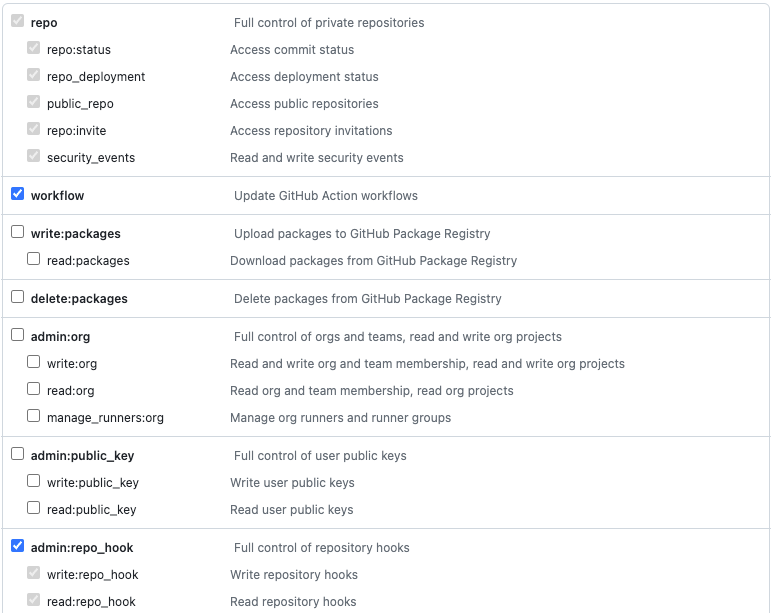
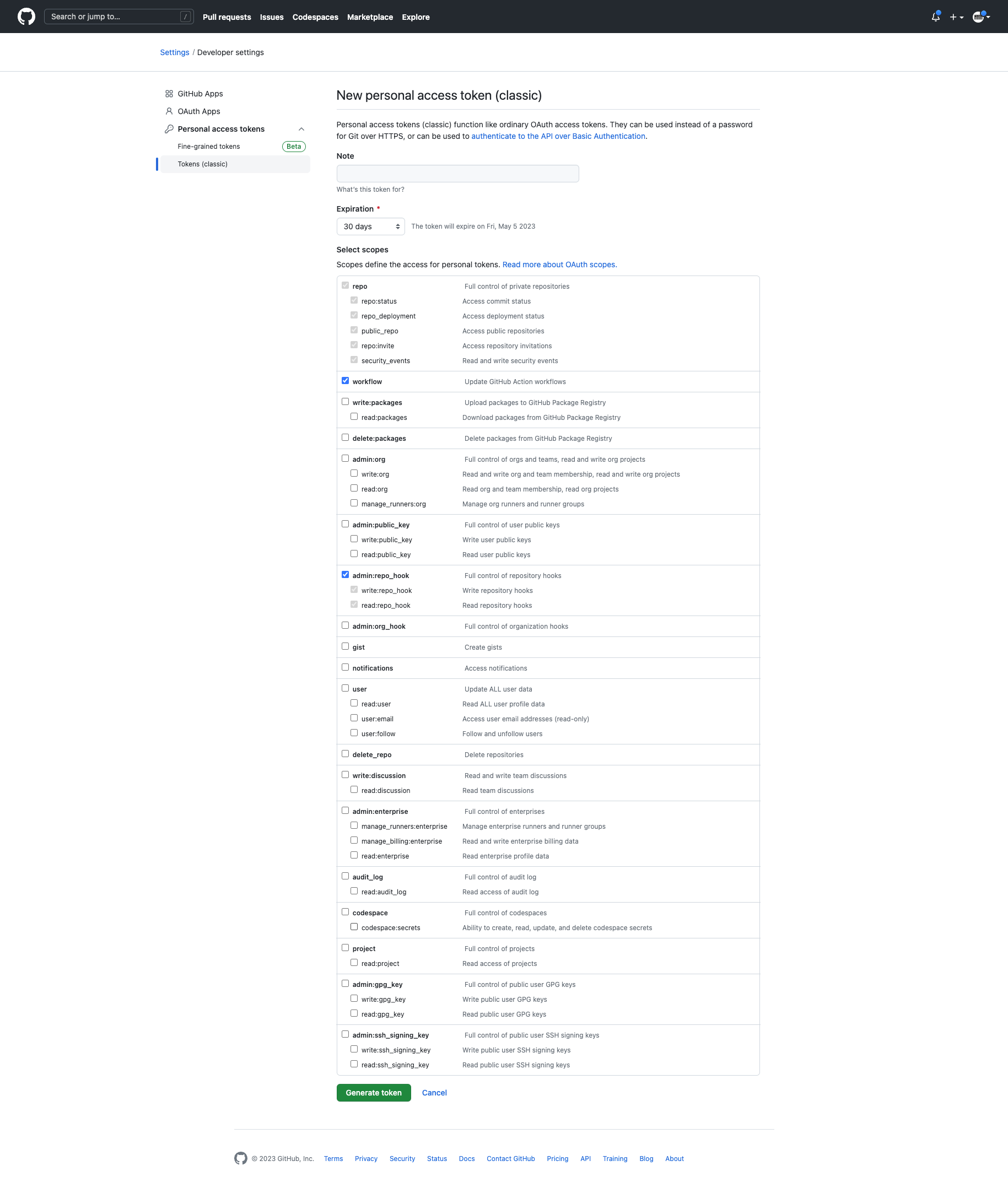 image-20230405-055515.png (image/png)
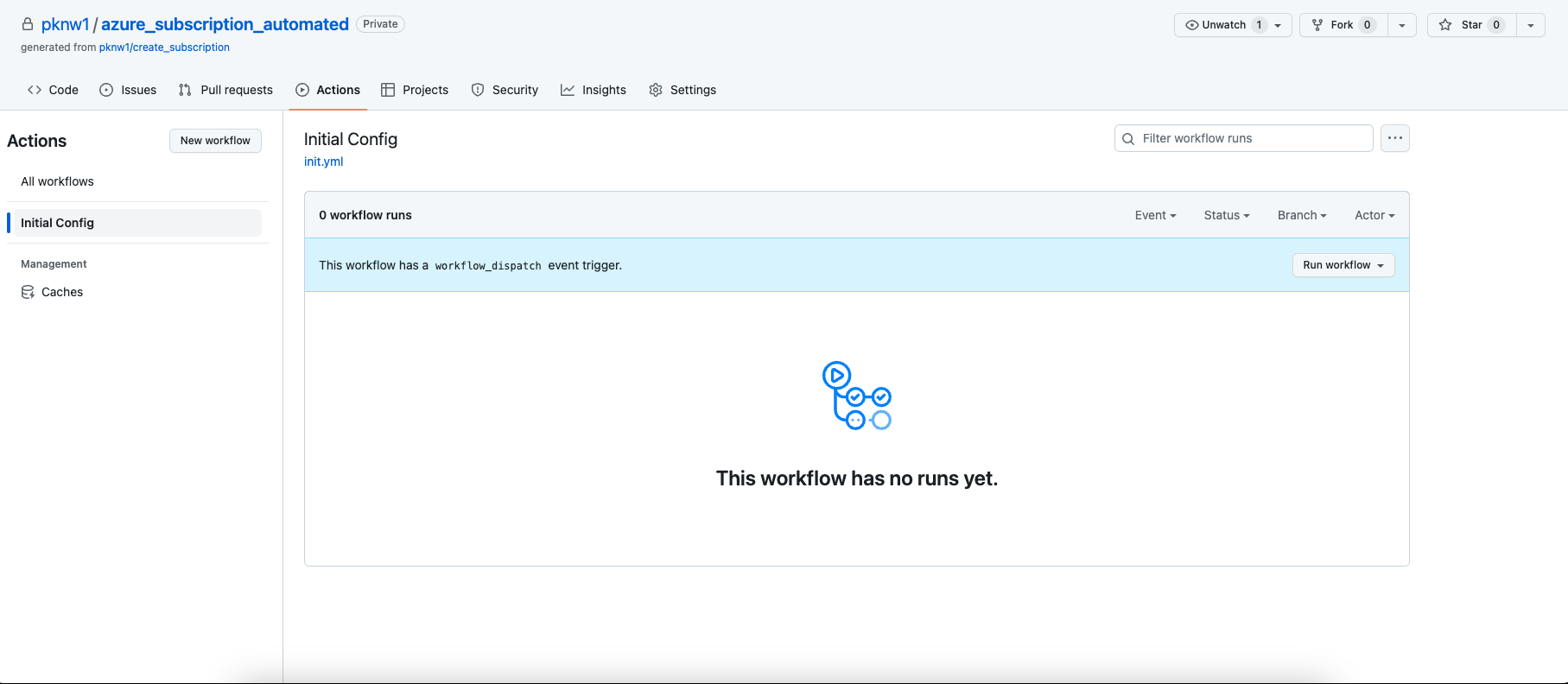
 Screenshot 2023-04-05 at 06.56.43.png (image/png)
 Screenshot 2023-04-05 at 06.57.50.png (image/png)
 sp.png (image/png)
 Screenshot 2023-04-05 at 07.02.03.png (image/png)
 Screenshot 2023-04-05 at 07.02.17.png (image/png)
 ezgif-2-f163530944.gif (image/gif)
 ezgif-2-a7013491ce.gif (image/gif)
 ezgif-2-f163530944.gif (image/gif)
 ezgif.com-gif-maker.gif (image/gif)
 Screenshot 2023-04-19 at 10.59.23.png (image/png)
 Screenshot 2023-04-19 at 10.58.42.png (image/png)
 Screenshot 2023-04-19 at 10.58.03.png (image/png)
 Screenshot 2023-04-19 at 10.58.42bb.png (image/png)
 Cost+Management.png (image/png)
 download.jpeg (image/jpeg)
 download (2).jpeg (image/jpeg)
 appreg.jpeg (image/jpeg)
 Users-256-1.png (image/png)
 download (1).jpeg (image/jpeg)