To deliver a custom OS, we define the image at the Gallery level and then create a repository for the image from a template
This guide assumes the setup and initialisation of the secops-infrastructure
 the new definition has has been created
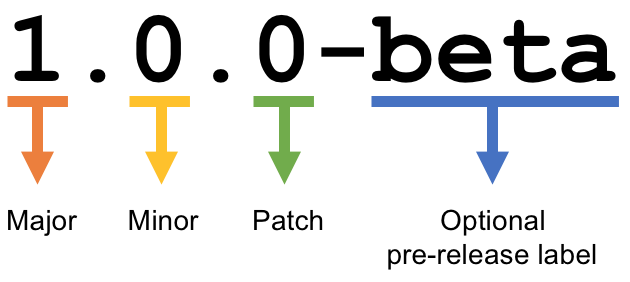
versioning
Attachments:
 Azure Image Factory-tr.png (image/png)
 image-20230326-142009.png (image/png)
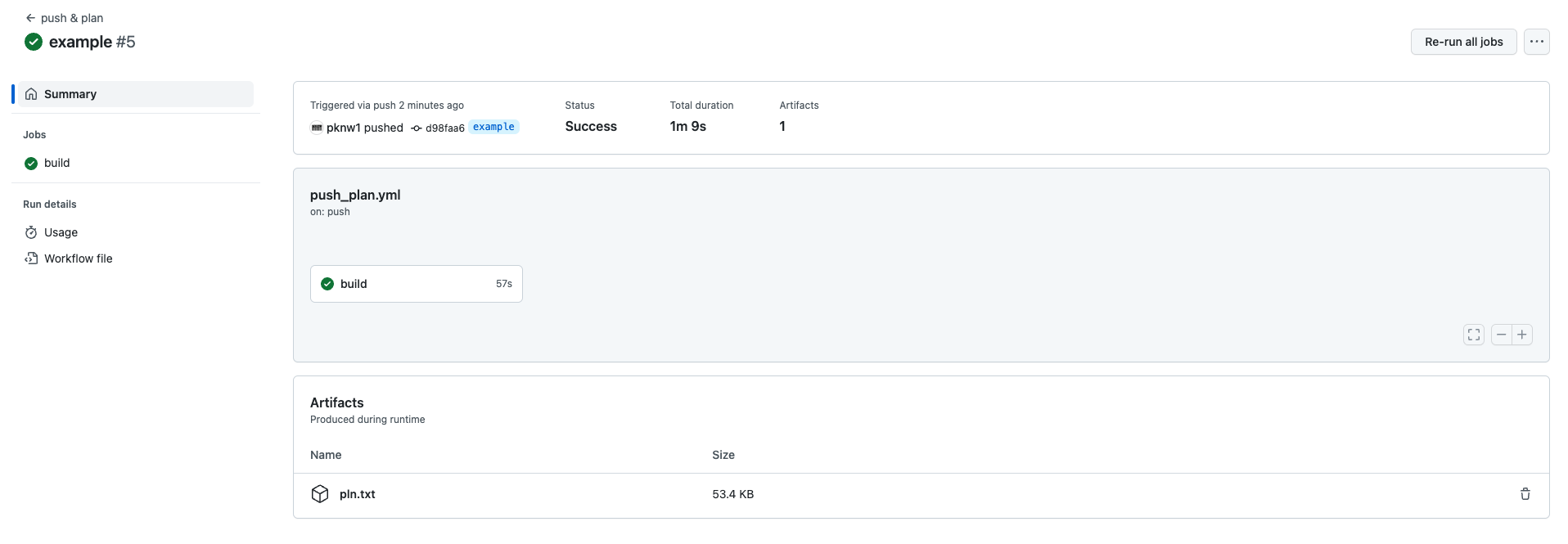 image-20230326-142101.png (image/png)
 image-20230326-143318.png (image/png)
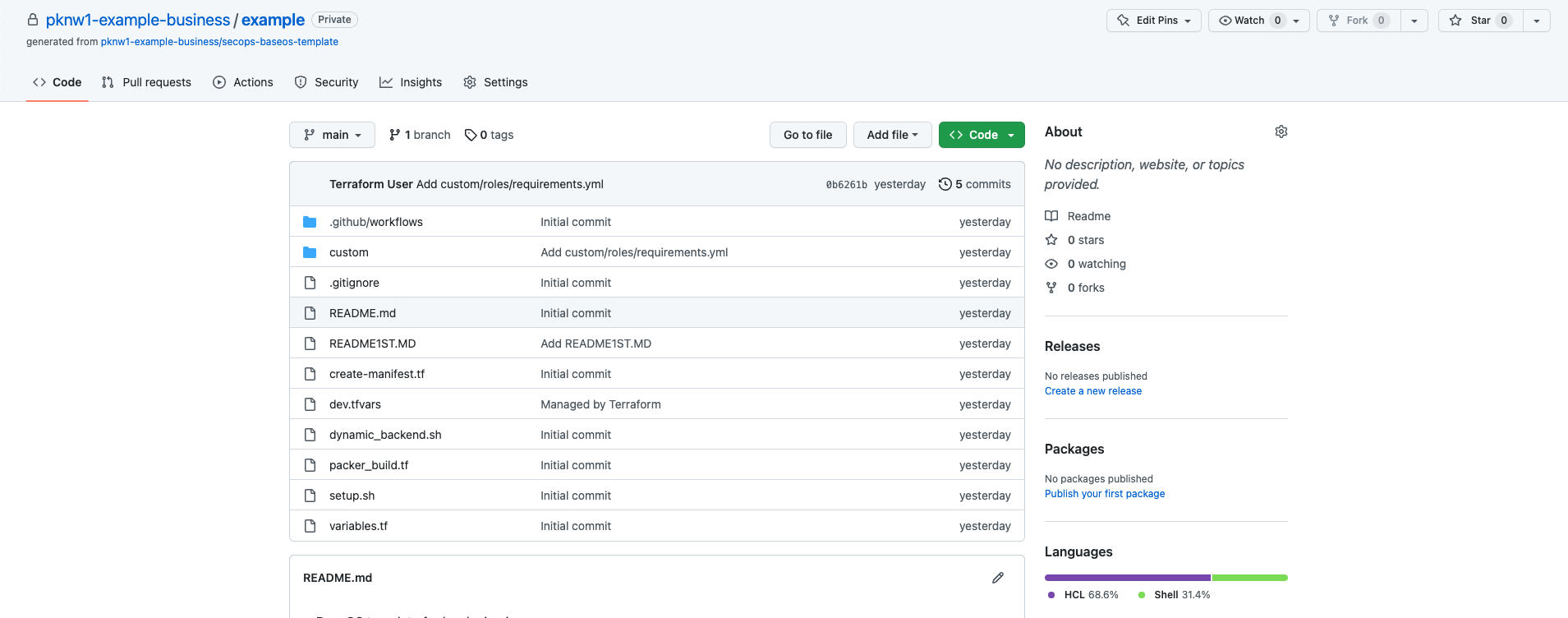 image-20230326-143342.png (image/png)
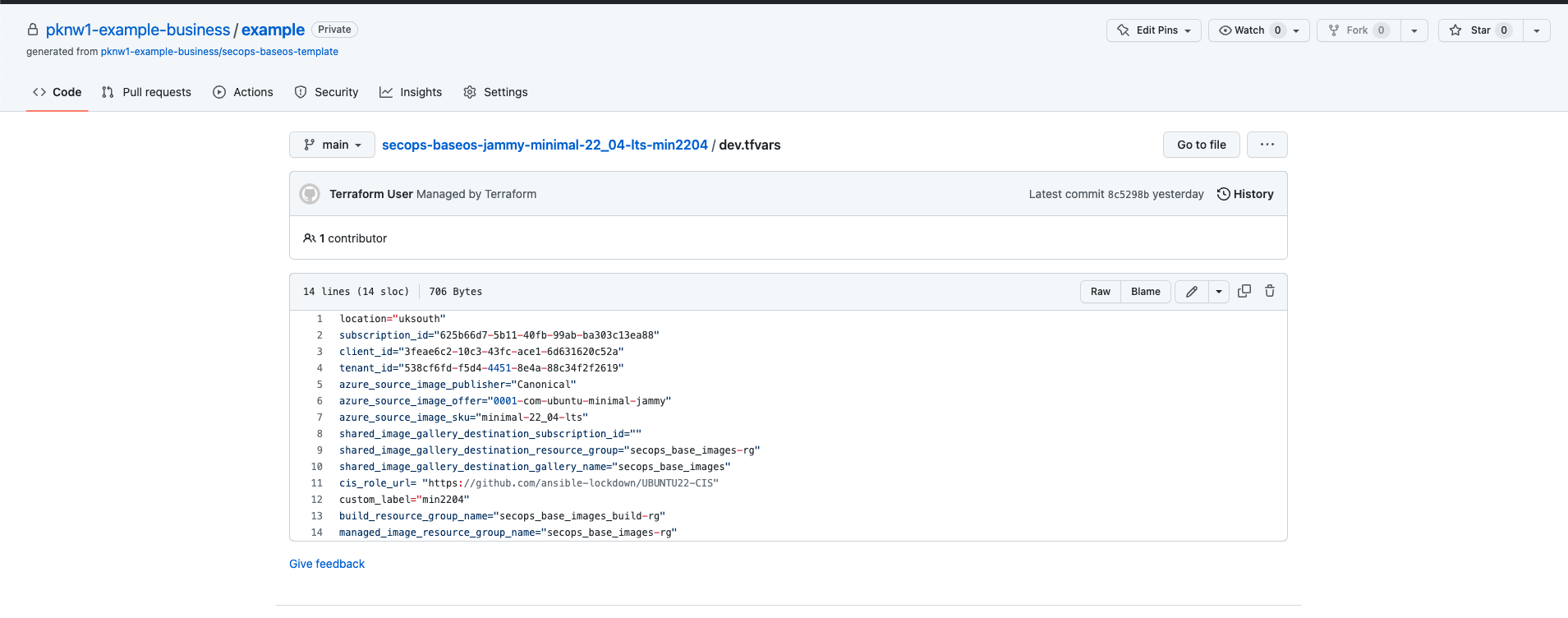 image-20230327-003359.png (image/png)
 BIF-blue.png (image/png)
