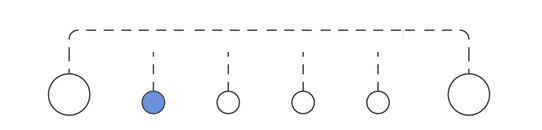
Previously we detailed the process of creating our service principal and using that to deliver an azure subscription - so here we will map the process from az cli to terraform
- map all of the required variables into one
variables.tf - create the data lookups and service principal resource
- assign roles and permissions to the SP
- create an Azure Subscription using defined parameters
- bundle the process steps into a terraform module
Here we will identify all the inputs and requirements for each stage of facilitating and creating a subscription via cli - this will remind us of the stages and steps needed for full automation |

- Service Principal
- Name
- Billing Account
- Enrollment Account
- Role Assignment
- Service Principal assignment to enrollment account
- Azure Subscription
- Name
- User
- Offer

:sp: :terraform:
- Insert the required terraform azurerm features block
Provider "azurerm" {
  features {}
}
- Set variables for the Service Principal name so that we can re-use the code
variable "application_name" {}
variable "management_group" {}
- lookup the root management group so that we can assign scope
data "azurerm_management_group" "primary" {
  name = var.management_group
}
- Create the App Registration or Service Principal
resource "azuread_application" "auth" {
 display_name = "${var.application_name}"
 }
- Obtain the AppId so we can assign a role to the SP
resource "azuread_service_principal" "auth" {
 application_id = "${azuread_application.auth.application_id}"
}
- Assign a role definition and scope to the Service Principal
resource "azurerm_role_assignment" "auth" {
 scope                = "${data.azurerm_management_group.primary.id}"
 role_definition_name = "Owner"
 principal_id         = "${azuread_service_principal.auth.id}"
}
so now - with some basic inputs for app name and management group we should be anle to validate the process with terraform plan
terraform init
terraform plan


|
|---|
 Checkpoint
 |
|---|
|
|---|
:subscription: :terraform:
- set variables for the subscription name and the billing details we discovered previously
variable "subscription_display_name" { default = "test"}
variable "billing_account_name" { default = "187561154"}
variable "enrollment_account_name" { default = "311200"}
- lookup the scope associated with our billing details - so we can assign the subscription there
data "azurerm_billing_enrollment_account_scope" "current" {
  billing_account_name    = var.billing_account_name
  enrollment_account_name = var.enrollment_account_name
  }
- create the subscription resource under the billing id
resource "azurerm_subscription" "create" {
  subscription_name = var.subscription_display_name
  billing_scope_id  =  data.azurerm_billing_enrollment_account_scope.current.id
}
if we add this as a new set of terraform files, we can use the SP details crested earlier to run the deployment
terraform init
terraform plan


We now have 2 sets of terraform code
code to create and assign the SP that we would expect to only run when setting up the instance
code to use the SP details and create a subscription under the assigned billing account
Next we’ll take the process and variables we discovered here and mimic the steps in terraform… first locally and then in a GitHub Workflow

Next we’ll take the process and variables we discovered here and mimic the steps in terraform… first locally and then in a GitHub Workflow

Attachments:
 image-20230405-182326.png (image/png)
 image-20230405-182030.png (image/png)
 image-20230405-173232.png (image/png)
 image-20230405-173141.png (image/png)
 image-20230405-173007.png (image/png)
 image-20230405-172926.png (image/png)
 image-20230405-172439.png (image/png)
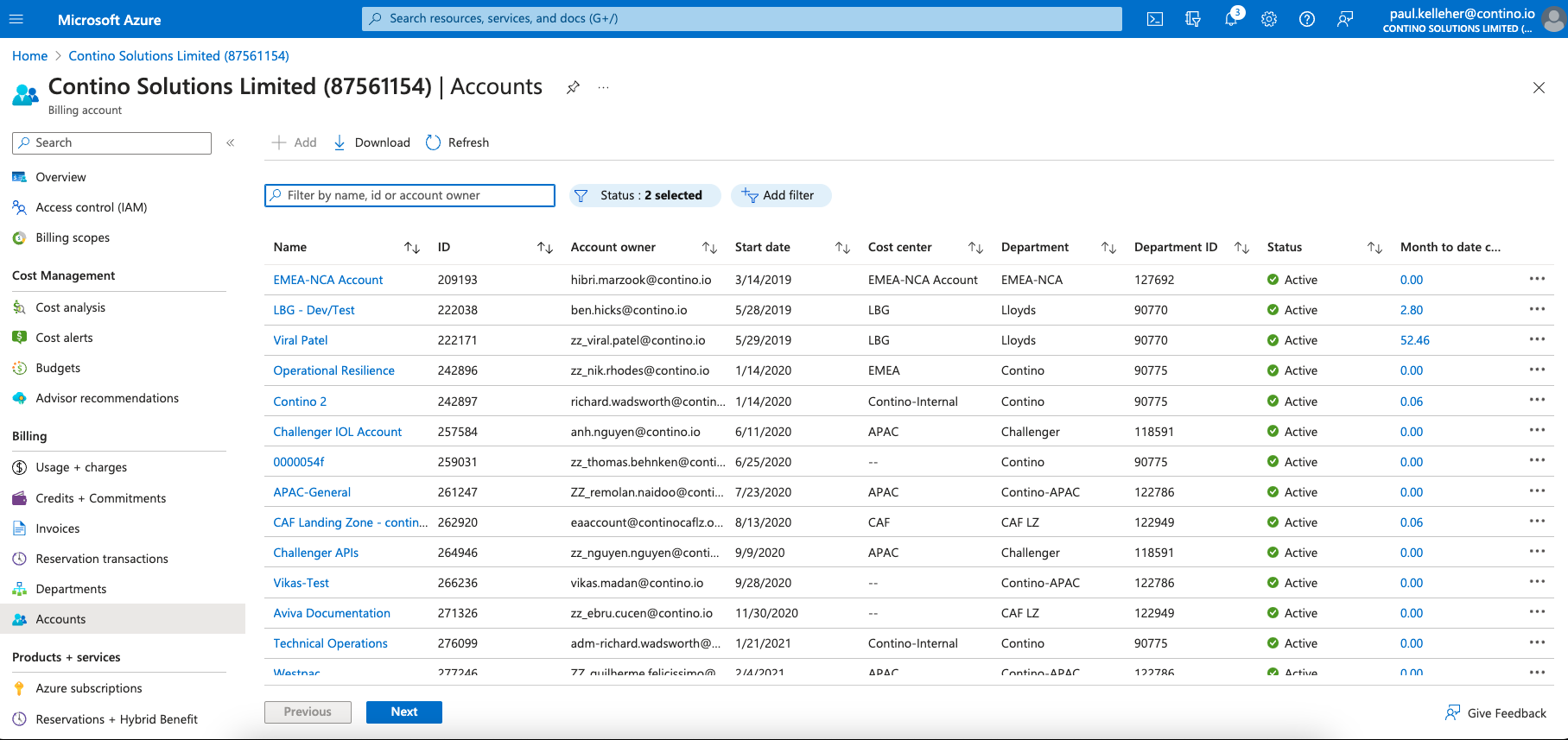 image-20230405-171514.png (image/png)
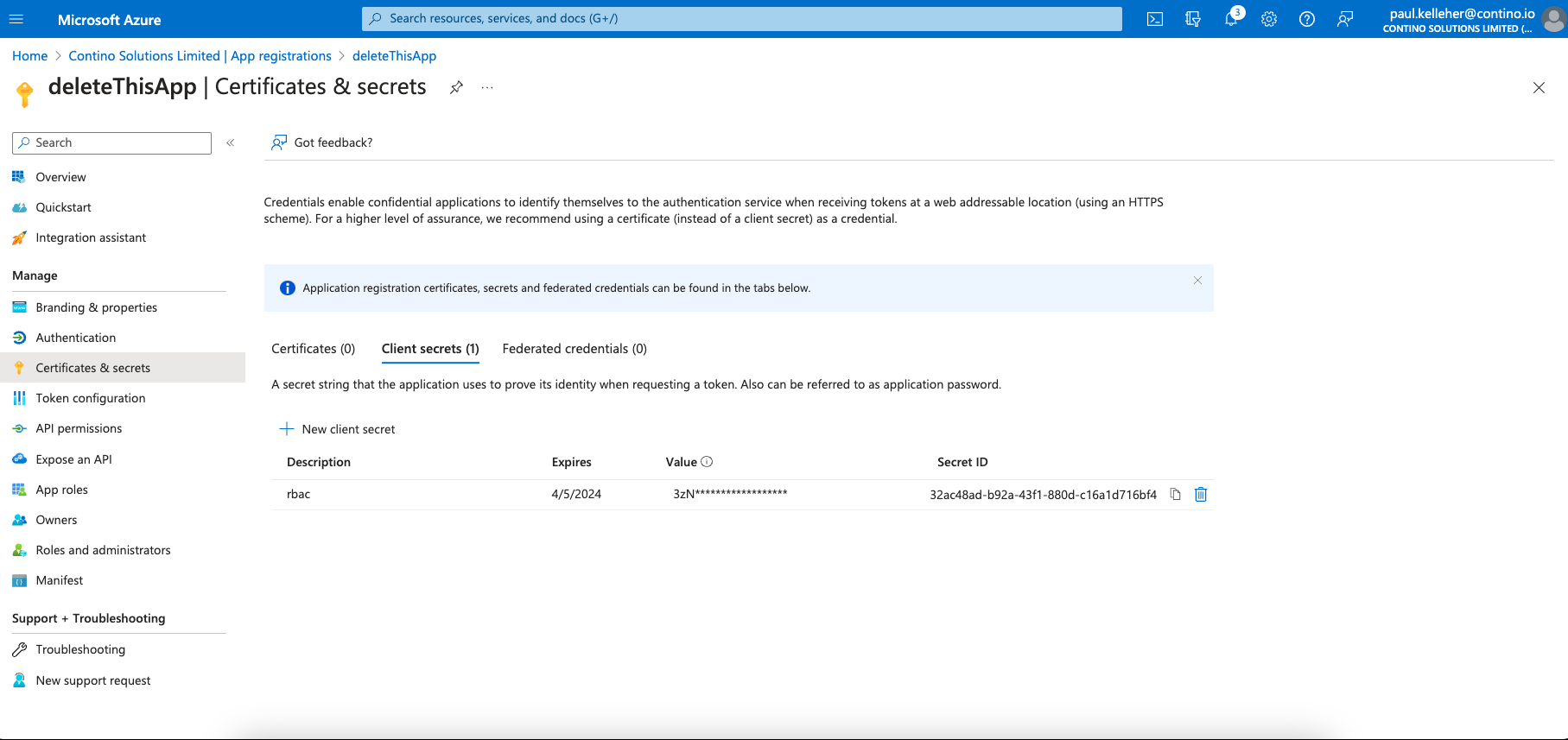 image-20230405-171338.png (image/png)
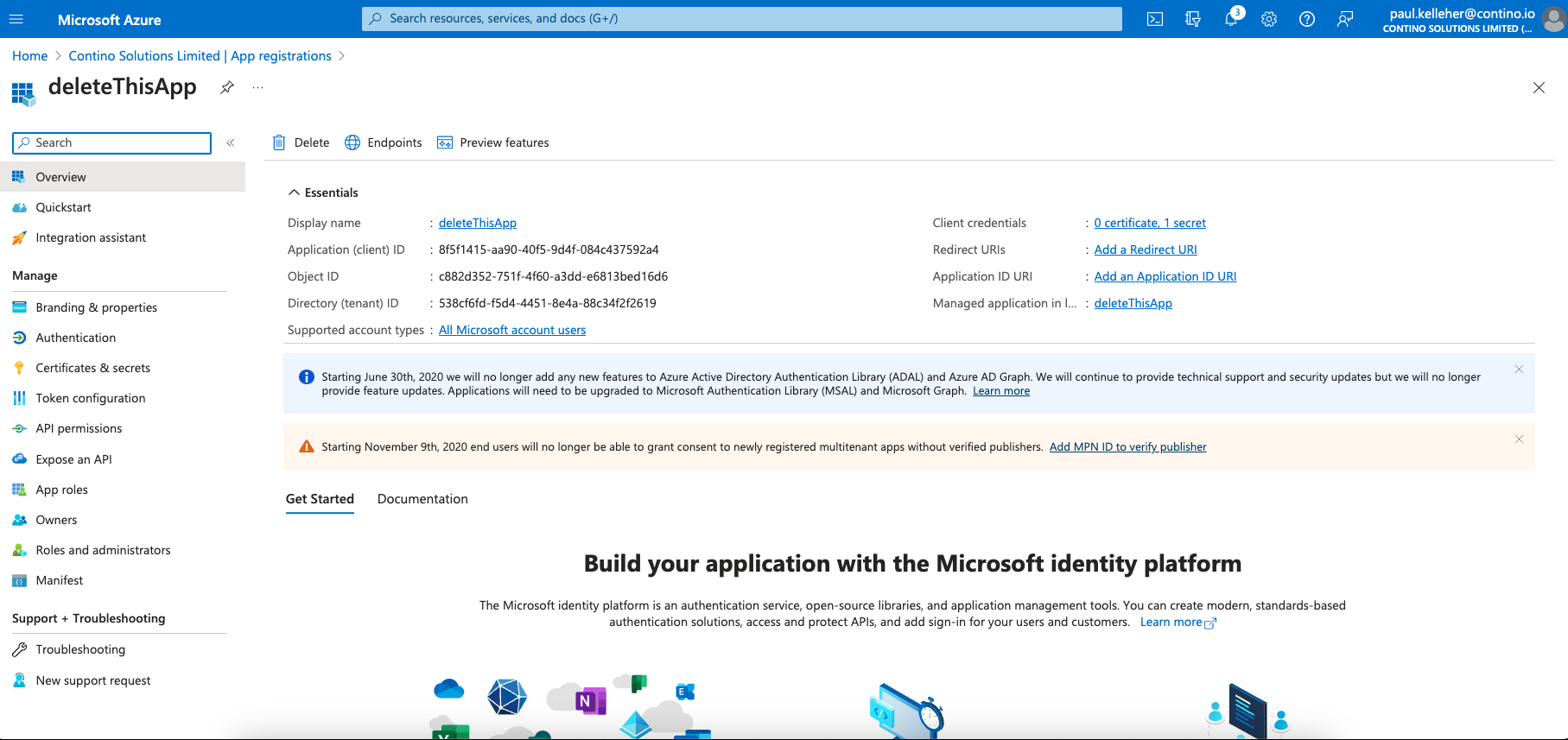 image-20230405-170739.png (image/png)
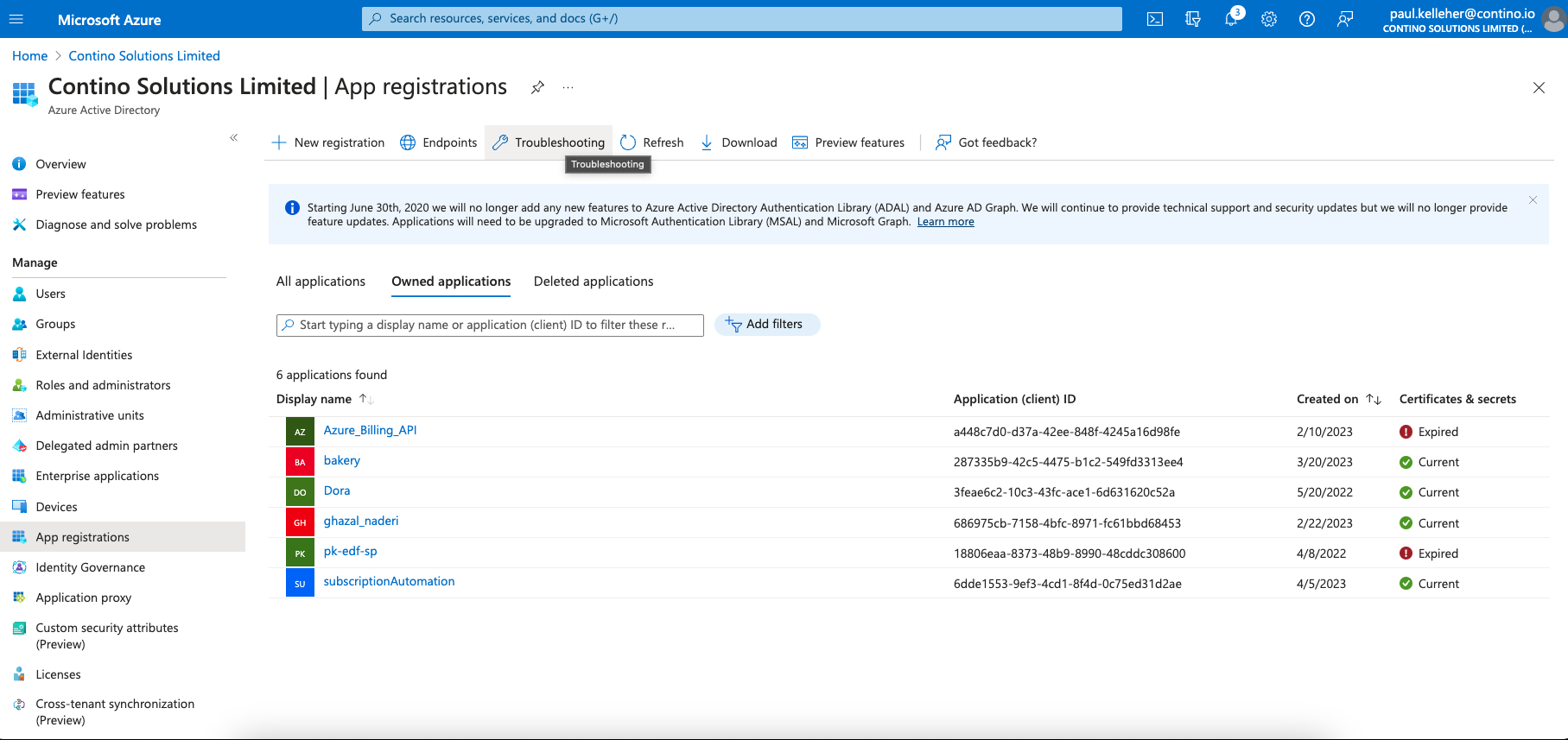 image-20230405-170628.png (image/png)
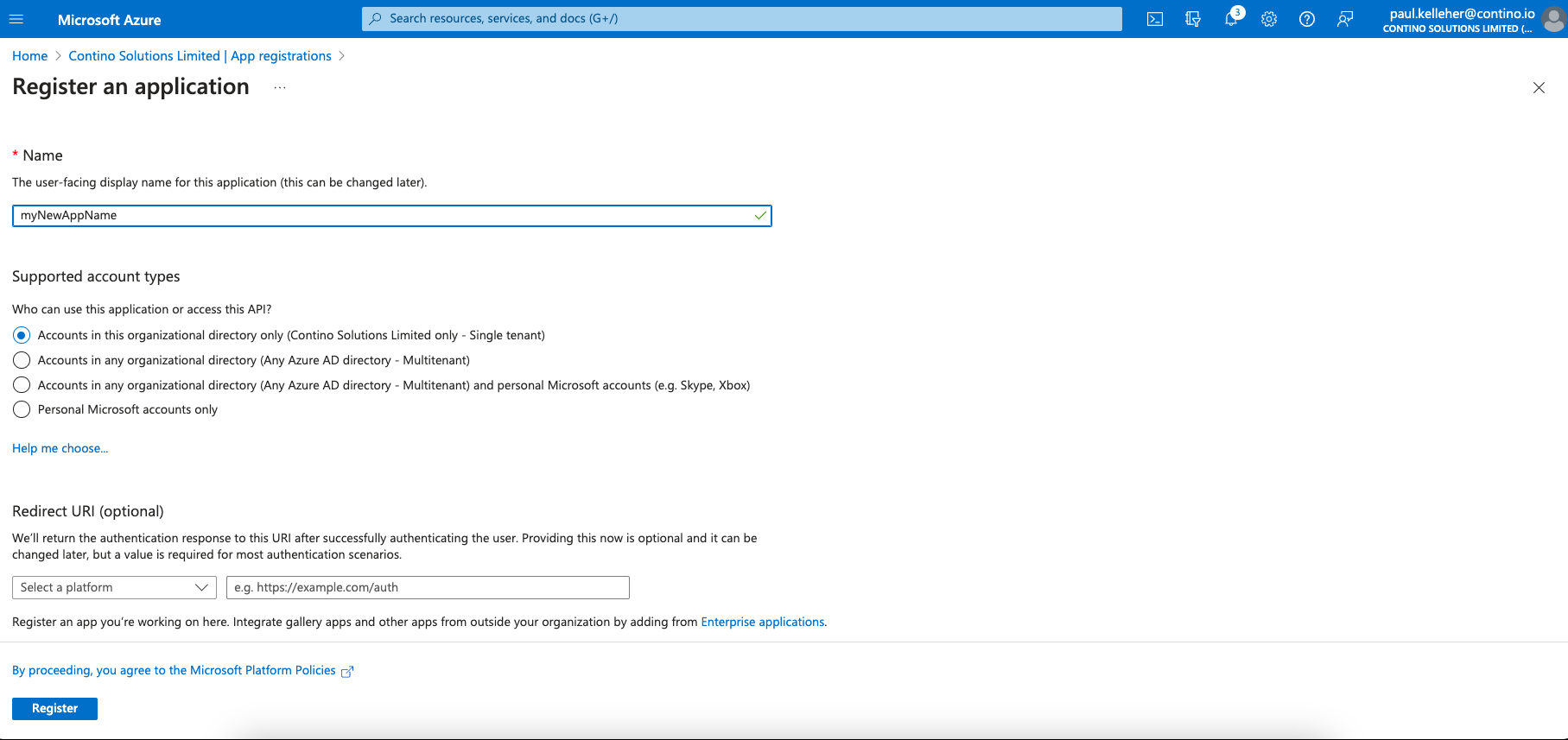 image-20230405-190203.png (image/png)
image-20230405-182326.png (image/png)
image-20230405-190203.png (image/png)
image-20230405-182326.png (image/png)
 image-20230405-192217.png (image/png)
 left.png (image/png)
 right.png (image/png)
 2.png (image/png)